One source in OBS.
An overlay for every scene.
Stop copying ten Browser Sources into every scene.
OverlayComposer is a Windows and Linux app that puts chat, alerts, donation goals and any widget into one overlay. You arrange everything with the mouse in a visual editor, and for every OBS scene it shows the matching layout on its own. Widgets don't reload when the scene changes.
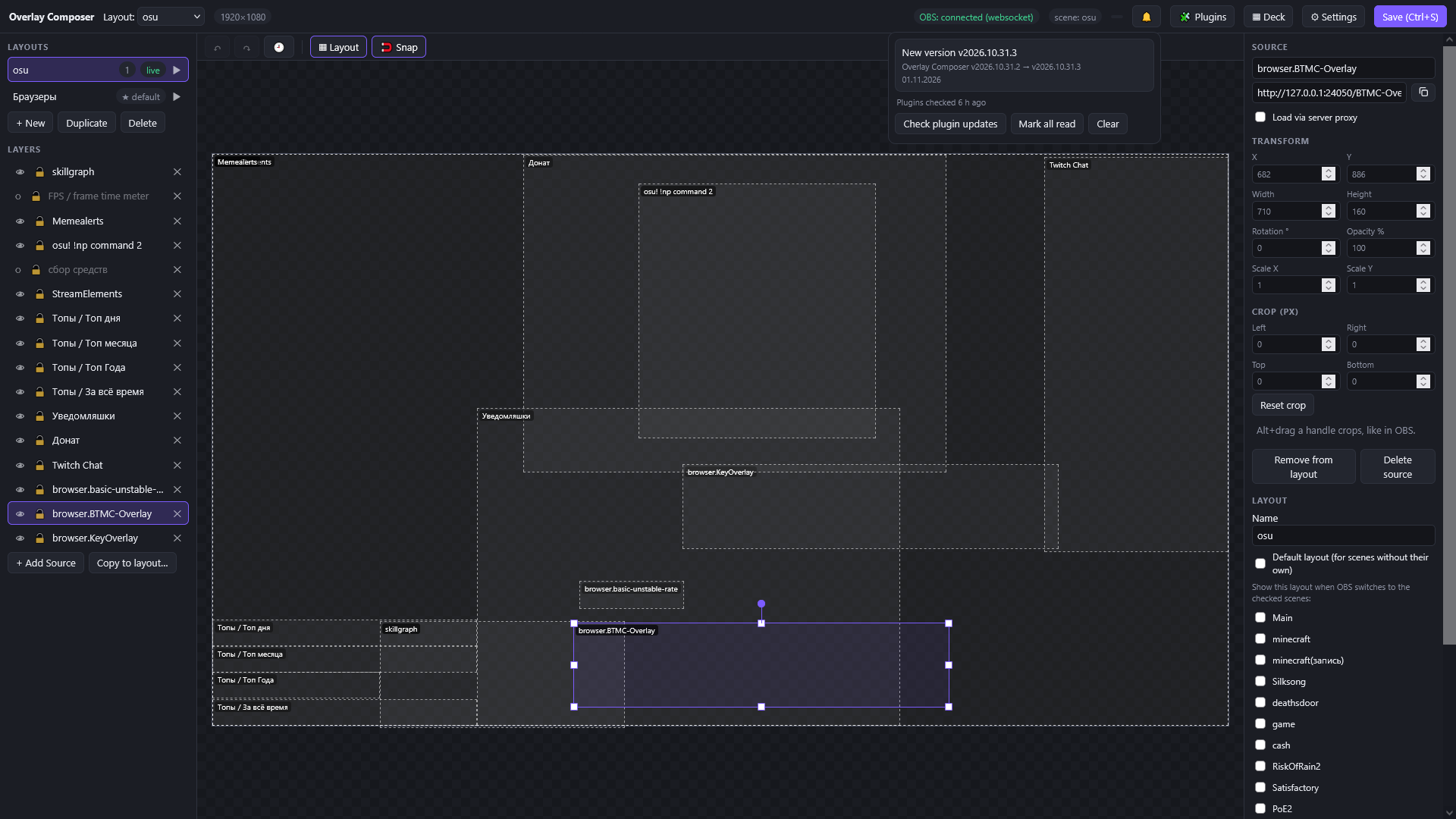
How an OBS overlay grows
Without OverlayComposer
- Chat, alerts, goal, now playing: a separate Browser Source in every scene
- Move a widget: open a dozen scenes and fix each one
- Chat and alerts restart on every switch
- You see a scene only by switching to it
With OverlayComposer
- One Browser Source: http://127.0.0.1:8000/overlay
- Everything is arranged once, in the editor
- Widgets stay alive while scenes switch
- The whole layout in front of you on the canvas
Up and running in five minutes
Run it
Download and run. No installer, the editor opens in your browser.
Import your OBS scenes
Connect obs-websocket and press Import from OBS: your scenes become layouts, every Browser Source a layer with the same size and position.
Replace sources with one
Put the single overlay Browser Source in your scenes. Bind layouts to scenes, and you're done.
Twitch is just as easy: press Connect and confirm a code on twitch.tv/activate. No Twitch application of your own needed.
What's inside
A visual editor
Move, resize, rotate and crop layers. Snap guides, a layout mode, and undo and redo that remember your history even after saving.
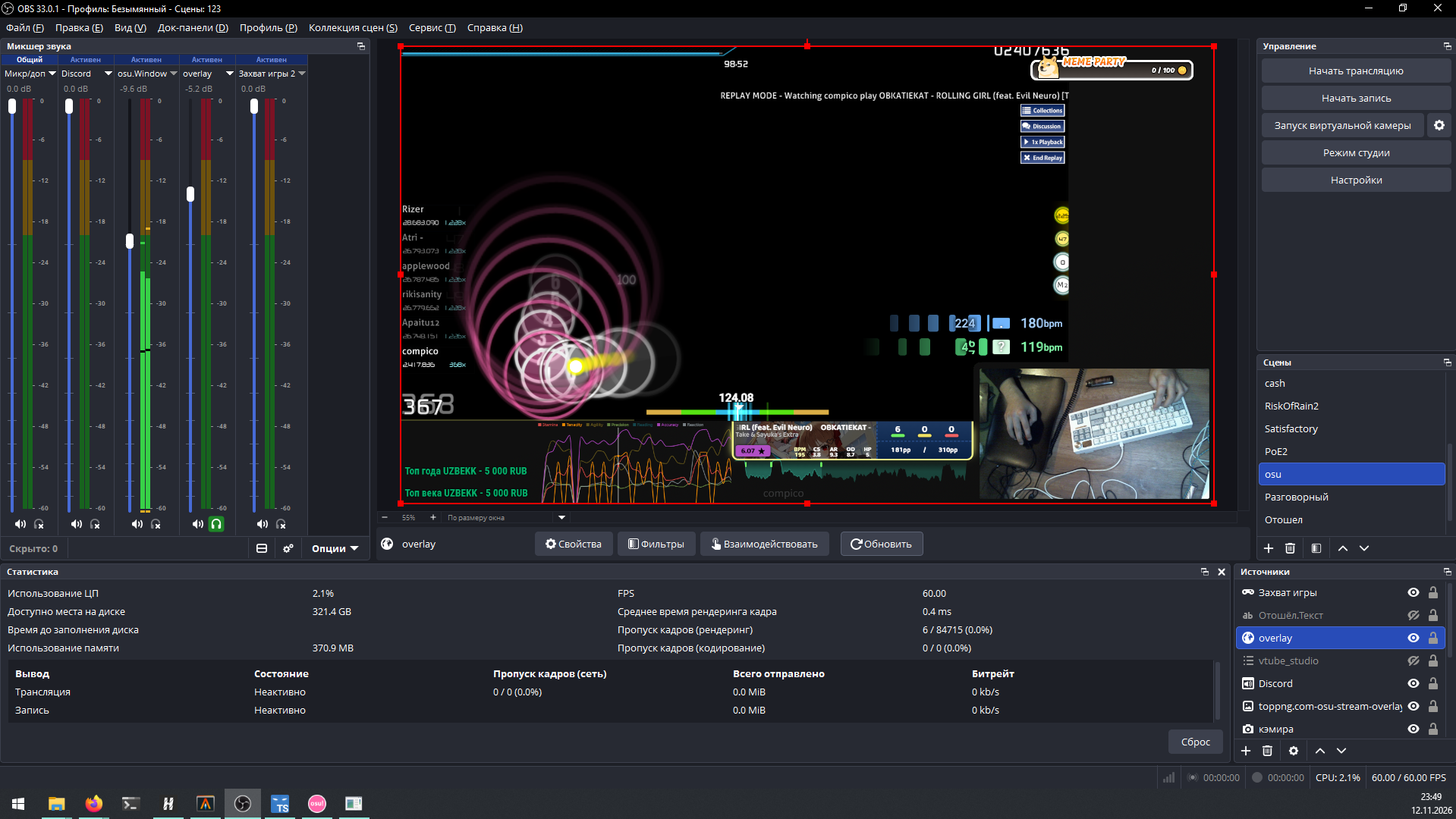
WebAssembly plugins
Ready-made widgets from the store or your own plugins in Go: Twitch chat, channel point rewards, track requests. Plugins run in a sandbox and never see your tokens.
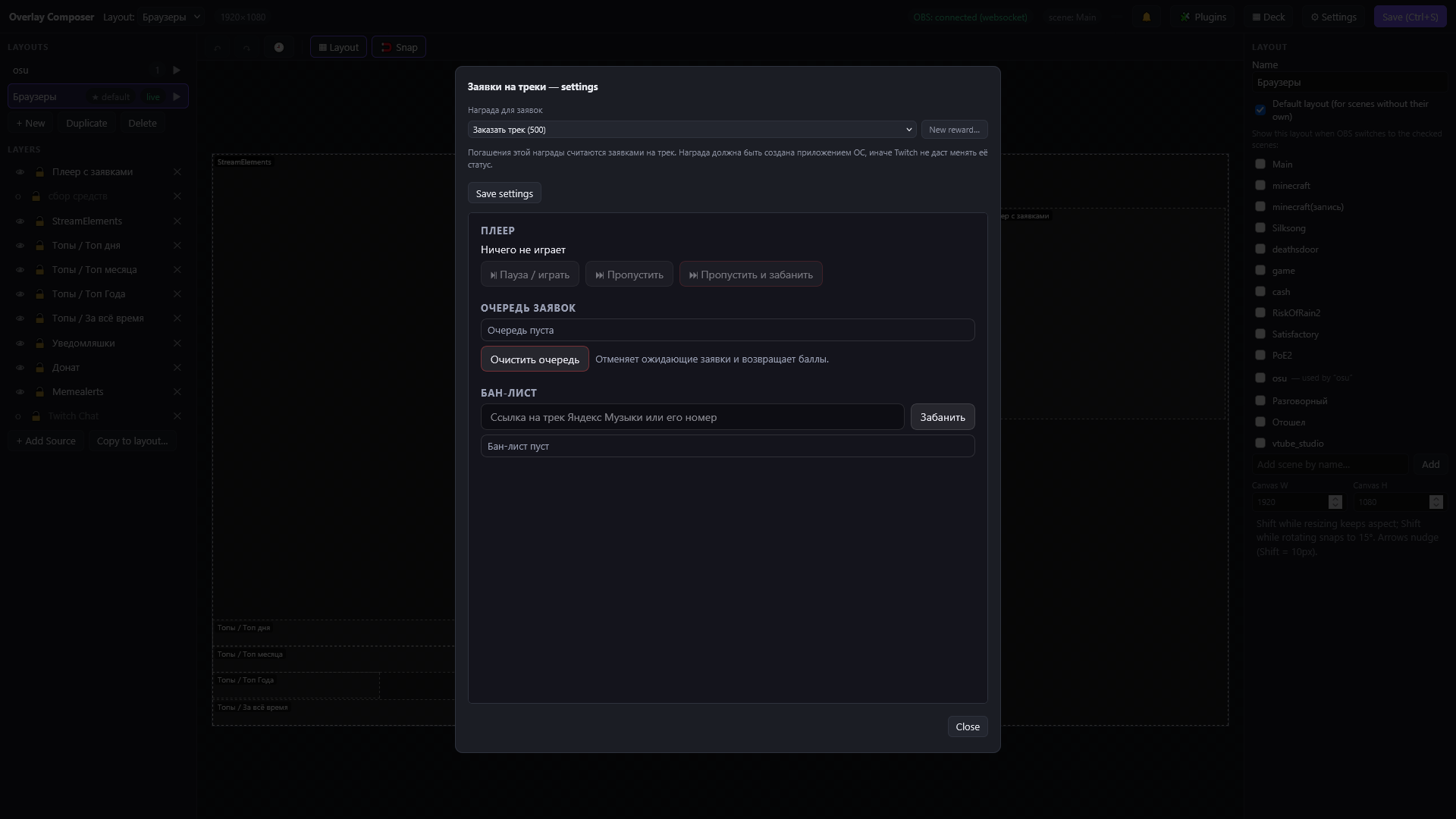
Deck
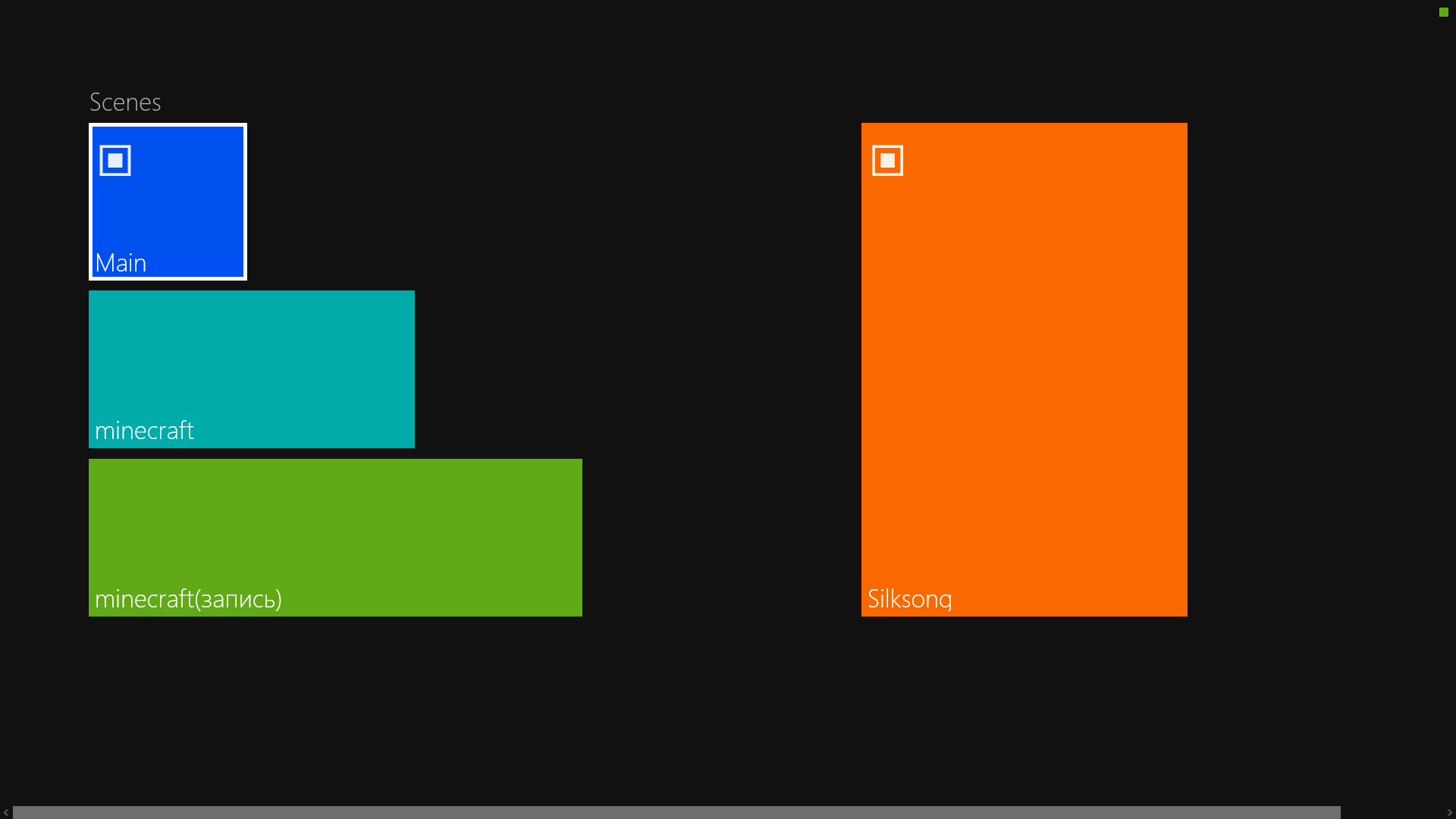
A control panel on a tablet or phone: switch scenes and run actions with a tap. You build the button layout right in the editor.
Explore the project
Try OverlayComposer
Free, open source, no sign-up.